Understanding TradingView: Features and Benefits
TradingView is revolutionizing the way traders and investors analyze different markets, bringing together charting tools, market data, and community engagement into a cohesive platform. By transforming complex market scenarios into executable research processes, TradingView allows users to achieve a complete trading cycle—researching, executing, and verifying trades seamlessly. Whether you are interested in stocks, forex, cryptocurrencies, or derivatives, you can find a unified search entry on this platform for an efficient trading experience. When exploring options, TradingView provides comprehensive insights into various market trends, making it a popular choice among traders of all skill levels.
Overview of TradingView’s Core Functions
At its core, TradingView offers a multitude of functions that cater to both novice and experienced traders. The key features include:
- Advanced Charting: It provides a wide array of customizable charts that users can tailor to their trading strategies.
- Technical Indicators: Users can utilize built-in technical indicators or create their own using Pine Script.
- Alert System: The alert feature allows users to set price alerts and receive notifications via email or mobile app when specific conditions are met.
- Community Engagement: An active community of traders shares insights, strategies, and market forecasts, enhancing the learning experience.
Key Advantages for New Traders
For new traders, TradingView simplifies the learning curve with its user-friendly interface and extensive resources. Key advantages include:
- Intuitive Design: The platform's layout is designed for ease of navigation, making it accessible for beginners.
- Educational Resources: A wealth of tutorials and community discussions provide insights into trading concepts and strategies.
- Comprehensive Market Data: Access to real-time market data helps new traders make informed decisions.
Advanced Tools for Experienced Analysts
For seasoned traders, TradingView provides advanced tools to enhance analytical capabilities. These include:
- Custom Scripts: Utilizing Pine Script, traders can code their indicators and strategies to tailor their approach.
- Backtesting Feature: The Strategy Tester allows traders to backtest their strategies using historical data before live execution.
- Multi-Asset Capability: Traders can switch between various asset classes without the need for multiple platforms.
Setting Up Your Trading Workspace
Configuring your TradingView workspace effectively can significantly boost your trading performance. Here are some essential considerations:
Essential Gear for Effective Trading
To set up a productive trading environment, consider the following gear:
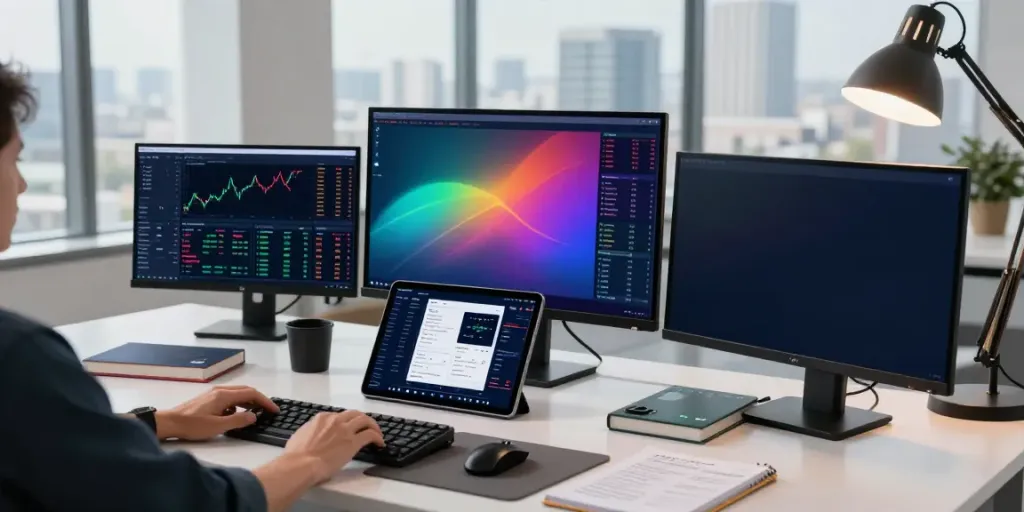
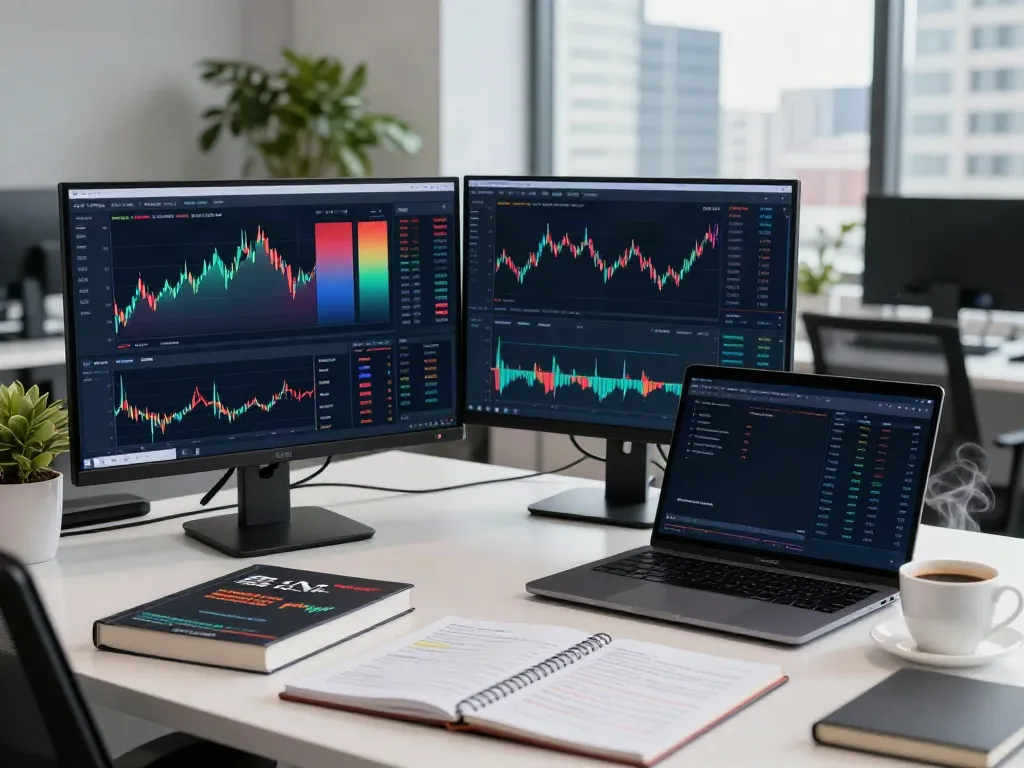
- Multiple Monitors: Using multiple screens can help you observe various markets and charts simultaneously.
- High-Speed Internet: A fast and reliable internet connection ensures real-time data access and responsive execution of trades.
- Ergonomic Setup: Invest in comfortable chairs and desks to maintain focus during long trading sessions.
Customizing TradingView Interface
TradingView offers various customization options to tailor your workspace to your needs:
- Chart Layouts: Customize your chart layouts to display multiple charts side by side, helping you track different assets effectively.
- Color Themes: Choose between light and dark themes based on your preference to reduce eye strain.
- Widgets: Add widgets for news, economic calendars, or watchlists to keep essential information at your fingertips.
Integrating External Resources and Tools
To enhance your trading strategies, consider integrating external tools:
- Financial News Sources: Follow reliable financial news outlets directly from TradingView to stay updated on market events.
- Economic Calendars: Use the economic calendar to track important market events and announcements that may impact your trades.
- Broker Integration: In selected regions, connect your TradingView account to supported brokers for direct trading execution.
Developing a Unique Trading Strategy
Creating a personalized trading strategy on TradingView is crucial to navigating the markets successfully. Here's how to formulate your approach:
Utilizing TradingView’s Charting Tools
TradingView's extensive charting capabilities allow you to analyze price movements effectively. Consider:
- Chart Types: Experiment with various chart types, such as candlestick, line, or bar charts, to identify patterns.
- Overlaying Indicators: Combine indicators like moving averages, Bollinger Bands, and RSI to help spot entry and exit points.
- Drawing Tools: Use trend lines, Fibonacci retracements, and other drawing tools to mark levels of support and resistance.
Employing Pine Script for Custom Scripts
Pine Script is TradingView's built-in scripting language that allows you to create custom indicators and alerts:
- Creating Indicators: Write scripts for unique indicators that suit your trading style."
- Setting Alerts: Program alerts to notify you when specific conditions are met, such as price movements or indicator crossovers.
- Sharing and Collaborating: Share your scripts with the TradingView community to receive feedback and improve your strategies.
Backtesting Strategies Effectively
Backtesting is essential to validate the effectiveness of your strategies:
- Utilizing Historical Data: Leverage TradingView’s historical data to test your strategies before applying them in real-time.
- Analyzing Performance: Evaluate key metrics such as win rate, drawdown, and profit factor to assess the viability of your strategies.
- Refining Your Approach: Use insights from backtesting to refine your strategy and make necessary adjustments for better performance.
Community and Social Trading on TradingView
The community aspect of TradingView is among its unique features, providing traders with valuable insights:
Engaging with the Trading Community
One of the critical strengths of TradingView is its vibrant community of traders:
- Social Features: Engage in discussions, share ideas, and follow other traders to gain different perspectives on market trends.
- Public Library: Explore the public library for scripts and ideas shared by the community.
- Live Streams and Webinars: Participate in live events that feature expert traders sharing their insights and trading systems.
Analyzing Community Insights and Trends
Take advantage of community-generated content to enhance your trading knowledge:
- Hot Lists: Review community hot lists to identify trending assets and opportunities that are garnering interest.
- Public Ideas: Analyze trade ideas shared by community members to understand various analytical approaches.
- Feedback and Support: Use community feedback to refine your strategies and learn from others' experiences.
Collaborating for Enhanced Market Understanding
Collaboration with fellow traders can lead to better market understanding:
- Discussion Forums: Use discussion forums to ask questions, share experiences, and learn from the collective knowledge of the community.
- Market Challenges: Participate in trading challenges to test your skills against other traders and learn from their techniques.
- Mentorship Opportunities: Seek mentorship from experienced traders to accelerate your learning process.
Future of Trading with TradingView in 2026
As we look towards the future, TradingView is poised to continue its evolution in the trading landscape:
Emerging Trends in Financial Markets
With the rise of technology in finance, several emerging trends are likely to shape the market:
- Increased Algorithmic Trading: The use of advanced algorithms will rise, allowing traders to automate their strategies effectively.
- Integration of AI: Artificial intelligence will play a significant role in providing personalized trading suggestions and risk assessments.
- Enhanced Market Accessibility: New trading platforms will emerge, increasing competition and providing traders with more options.
Adapting to Technological Advances
TradingView is continually adapting to new technologies to improve user experience:
- Mobile Optimization: As more traders use mobile devices, TradingView will enhance its mobile platform for seamless trading on-the-go.
- Data Visualization Tools: Expect advanced data visualization tools that make complex data easy to understand at a glance.
- Integration with Blockchain Technologies: As cryptocurrency trading grows, TradingView will likely integrate blockchain technologies for better transaction security.
Predictions for TradingView’s Development and Features
Looking ahead, we can expect the following developments in TradingView:
- Enhanced Collaboration Features: Improved tools for collaborative trading will allow users to work together on strategies in real-time.
- New Asset Classes: Expanding coverage of emerging asset classes, such as NFTs and tokenized assets.
- Improved Data Analytics: More sophisticated analytics tools will be integrated, providing deeper insights into market movements.
Frequently Asked Questions
Is TradingView Free to Use?
While TradingView offers a free version with access to fundamental features, users can opt for paid plans to unlock additional functionalities like advanced charting tools and more extensive technical indicators.
What are the Best Features of TradingView?
The best features of TradingView include its responsive charting system, real-time market data, customizable alerts, and a vibrant community that facilitates collaborative trading.
Can You Execute Trades Directly from TradingView?
Yes, in certain regions, TradingView allows users to execute trades directly from the platform through partnered brokers, streamlining the trading process.
How to Create Custom Indicators in Pine Script?
To create custom indicators in Pine Script, you'll need to follow the documentation provided by TradingView, which includes tutorials on writing scripts for your specific trading requirements.
What Are Common Mistakes to Avoid When Using TradingView?
Common mistakes include neglecting to backtest strategies, over-analyzing market conditions, and failing to set realistic trading goals based on proper research.